The Pinner Guides
Tips, workflows, and insights on bridging the gap between inspiration on Pinterest and creation in Figma.
A Modern Workflow: The Best Way to Use Pinterest Boards in Figma
For designers, Pinterest is where ideas begin. Figma is where they take shape. This guide covers the common manual process and introduces a faster, more integrated workflow.
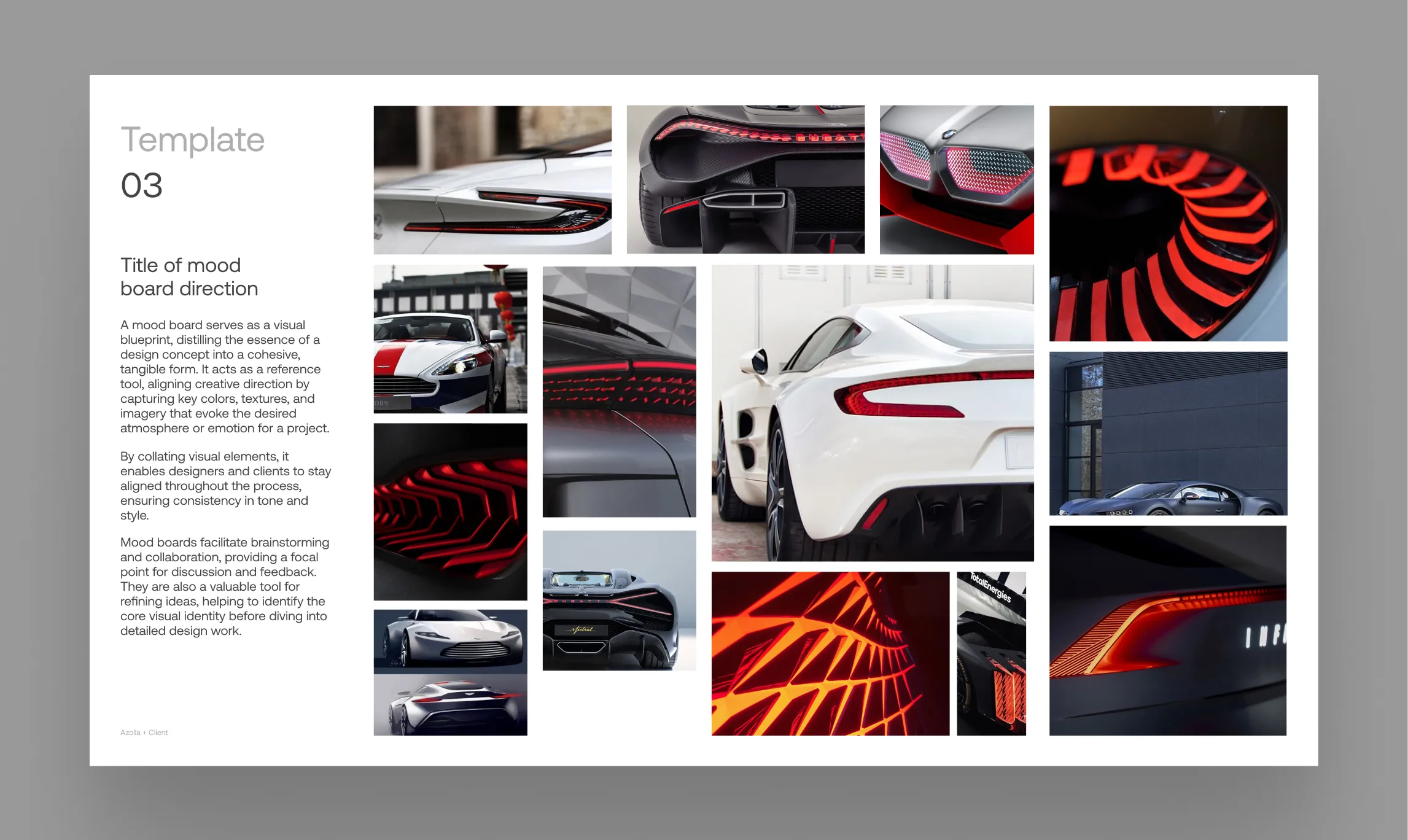
The Insanely Fast Moodboard Workflow for Design Studios
Go from Pinterest inspiration to a client-ready presentation in minutes. This guide unveils a power-user workflow for design agencies & studios using Pinner, FillSwap, and RePic.
Best Pinterest Downloader for Mac and Windows in 2026
Reviewing the top tools for getting images off Pinterest and onto your computer—and why the best downloader might not be a downloader at all.
How to Backup Pinterest Boards (And Actually Keep Them Useful)
Why hoarding ZIP files is the wrong way to backup your Pinterest inspiration, and how to create a living visual archive instead.
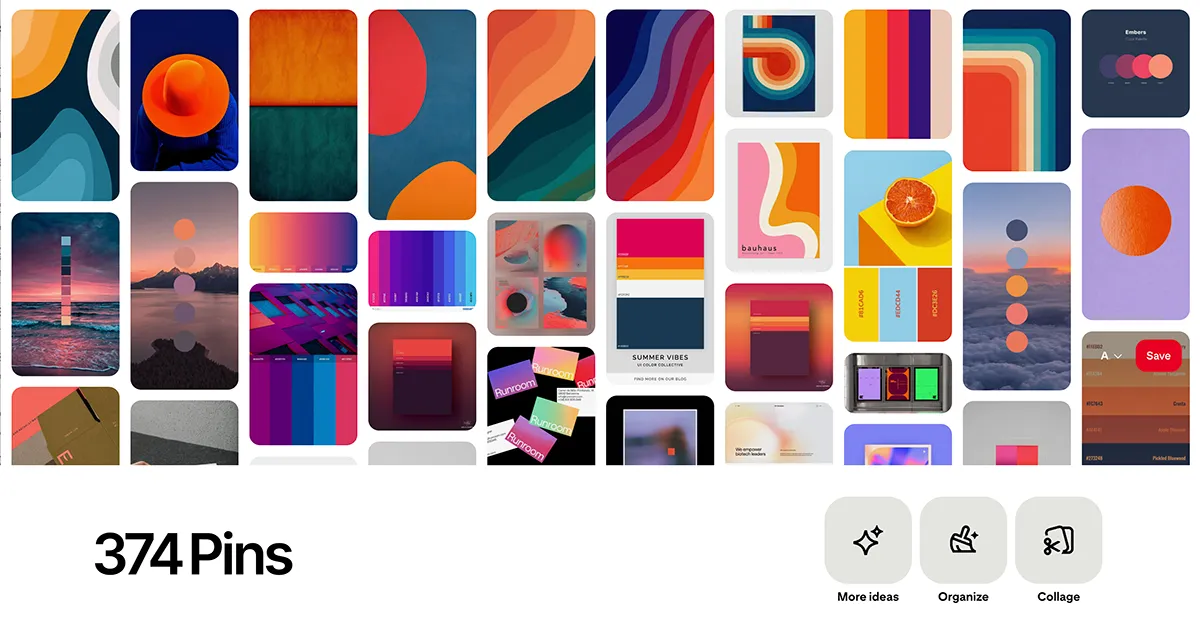
How to Download Entire Pinterest Boards (And Why You Actually Shouldn't)
Trying to bulk download Pinterest boards into a messy ZIP file? There's a much better workflow for designers.
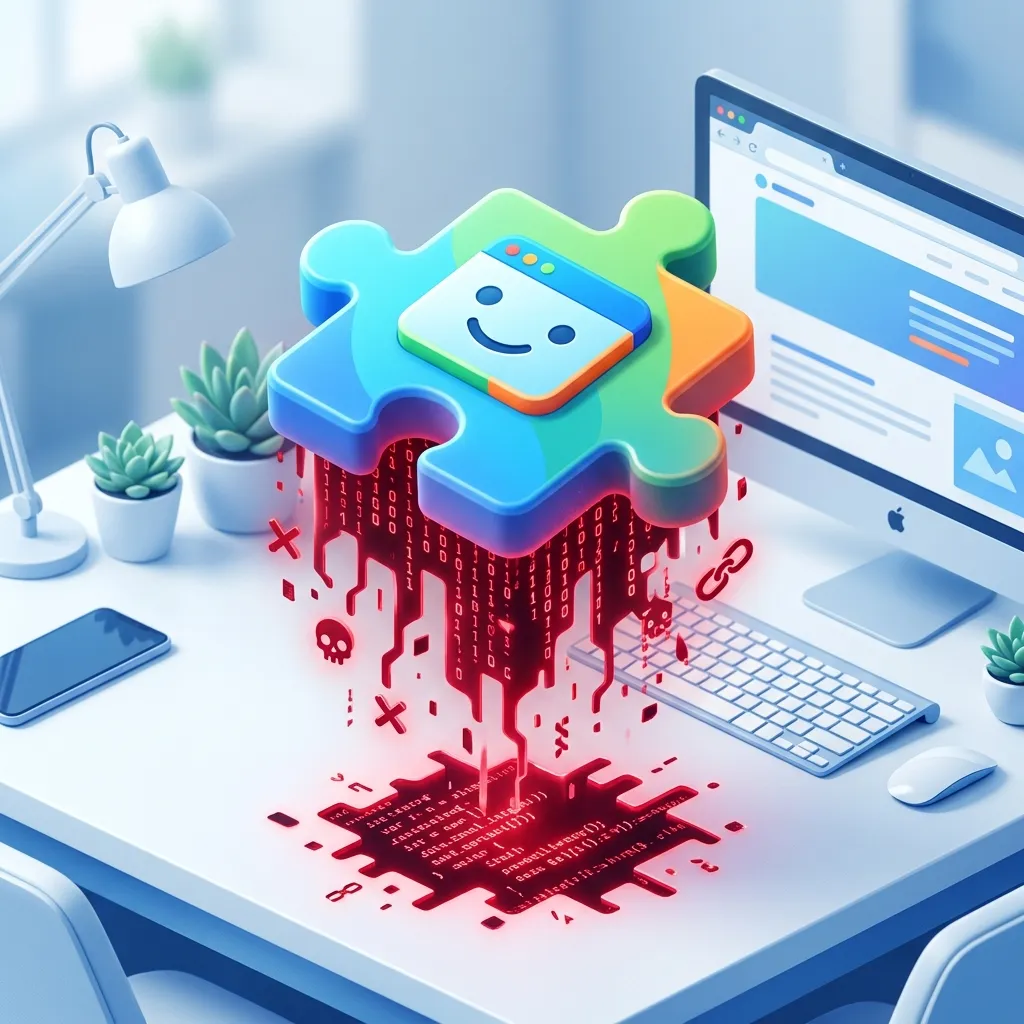
The Hidden Cost of Free Pinterest Downloader Chrome Extensions
Why professional designers and agencies are banning "free" Pinterest scraper extensions due to privacy and security risks.
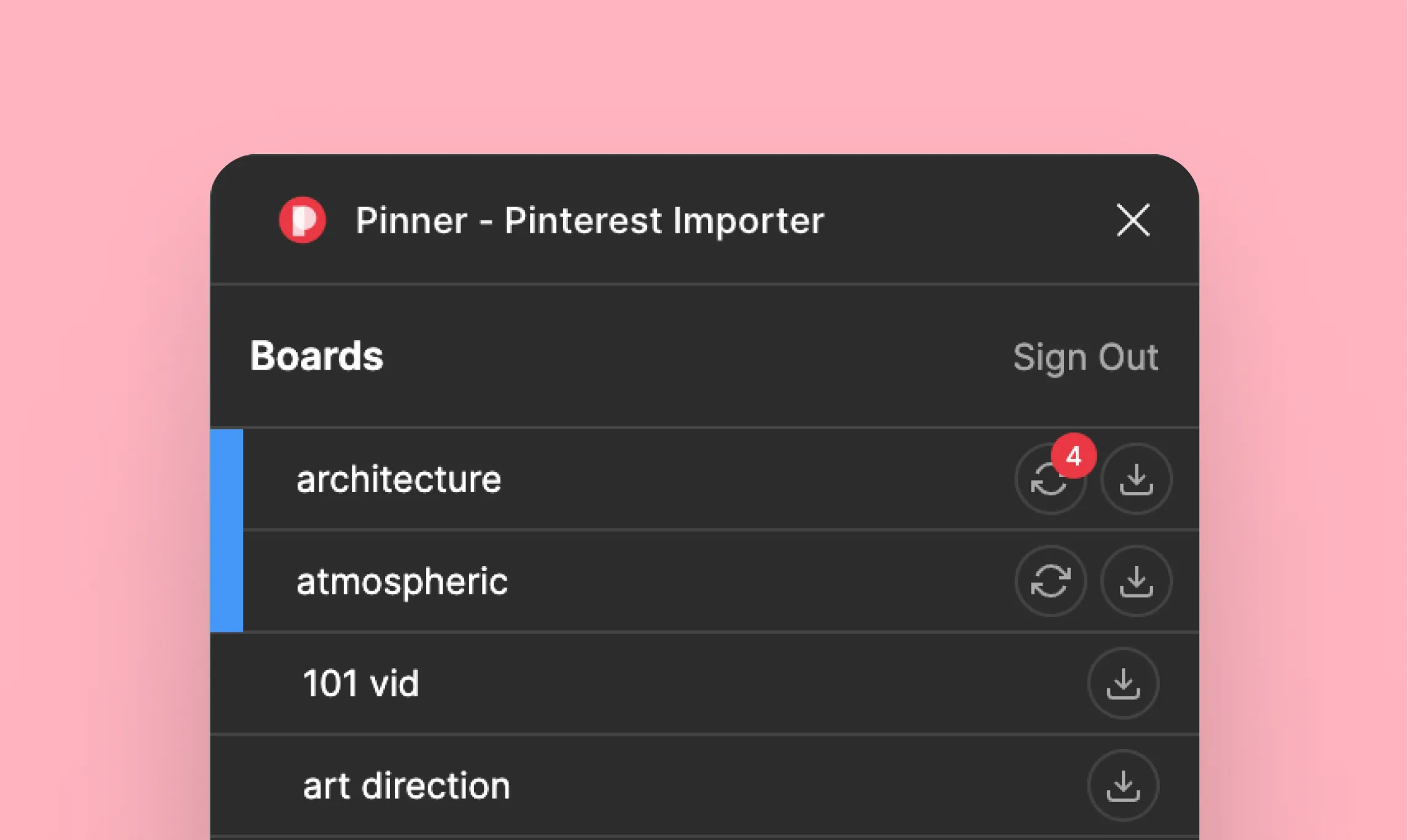
Mastering the Sync: A Guide to Collaborative Moodboarding
Transform your static moodboard into a living document. This guide is a deep dive into Pinner's sync feature, built for modern, remote-first design teams.
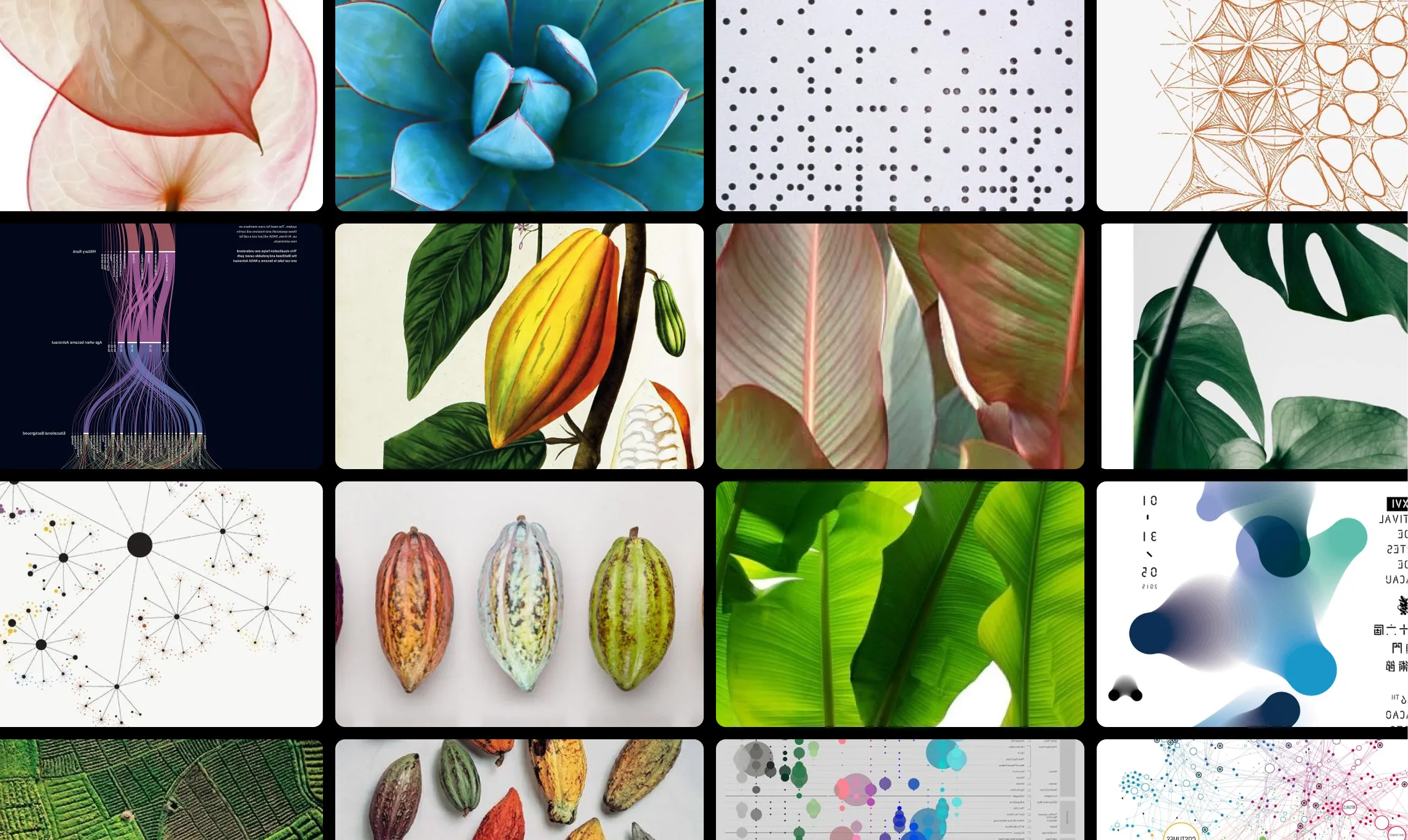
How to Create a Moodboard in Figma (The Fast Way)
A quick guide to creating moodboards in Figma, covering the slow manual method and a professional workflow that saves hours.
The Complete Guide to Pinterest-to-Figma Plugins in 2026
A head-to-head comparison of Pinner, Pinpasta, Pinora, Pinterest Importer, and html.to.design — tested for real design workflows.
Why Sync is a Must-Have for Remote Design Teams
In a remote-first world, the old ways of collaborating break down. Discover how a live-syncing workflow can eliminate friction and keep your design team perfectly aligned.