Stop dragging and dropping. Start designing.
The magical Pinterest-to-Figma workflow you've always wished you had. Pinner imports and syncs your moodboards straight into your canvas—no messy browser extensions hacks required.
Trusted by designers at top studios.
A real workflow, not just another hack.
We've packed Pinner with professional-grade features so you can spend less time managing files and more time doing your best work.
One-Click Imports
Stop the tedious "save-as" and drag-and-drop. Browse your boards directly inside Figma and import an entire collection of hundreds of pins in seconds.
Highest‑Res Images
Pinner automatically pulls the highest resolution version of every pin — no blurry downloads or compression, just full‑quality images ready for your designs.
Re-Sync Your Boards
Your moodboards are living documents. When you add or remove pins on Pinterest, a single click updates your board in Figma. No more re-importing everything.
Import Settings
Customize pin size, corner radius, and fill properties before import — cutting out a few extra steps from your workflow.
Import Private Boards
Your client work should stay confidential. Pinner uses a secure, official API connection to give you access to all your boards, not just the public ones.
Board Sections
Board sections import as a subset AutoLayouts to maintain your organization.
Auto Layout Integration
Imports are organized into a clean, performant Auto Layout frame. This keeps your Figma file tidy and prevents performance issues, even with huge boards.
Animated & Video Pins
No pin left behind. Videos are pulled when the format is Figma-compatible, and if not, substituted with a preview frame.
Create Color Palettes
Generate a color palette based on the dominant colors from your imported pins. It's the perfect starting point for your design system's color styles.
Multi‑Instance
Import multiple boards — or the same board with different settings. Each instance stays perfectly in sync.
Slides & FigJam Support
Pinner works across all your favorite Figma tools — including FigJam and Figma Slides — moving your inspiration wherever you design.
No Browser Extension
A workflow shouldn't compromise your system's security. Pinner gives you a direct, encrypted connection to Pinterest — All your private boards, just one click away.
Made by designers, for designers.
Pinterest is a goldmine for inspiration, but it's always lacked an export. We built Pinner at Azolla Studio to bridge that gap—making your journey from inspo to Figma blazingly fast and an absolute joy.
Try it out and drop us a line. We'd love to know what you think!
Ready to get your time back?
Give Pinner a spin right inside Figma. You can test out every single premium feature before spending a dime.
Ready to buy? It's a one-time $8 purchase for lifetime access.
Featured Guides
Level up your design workflow with these deep dives and pro-tips.
A Modern Workflow: The Best Way to Use Pinterest Boards in Figma
For designers, Pinterest is where ideas begin. Figma is where they take shape. This guide covers the common manual process and introduces a faster, more integrated workflow.
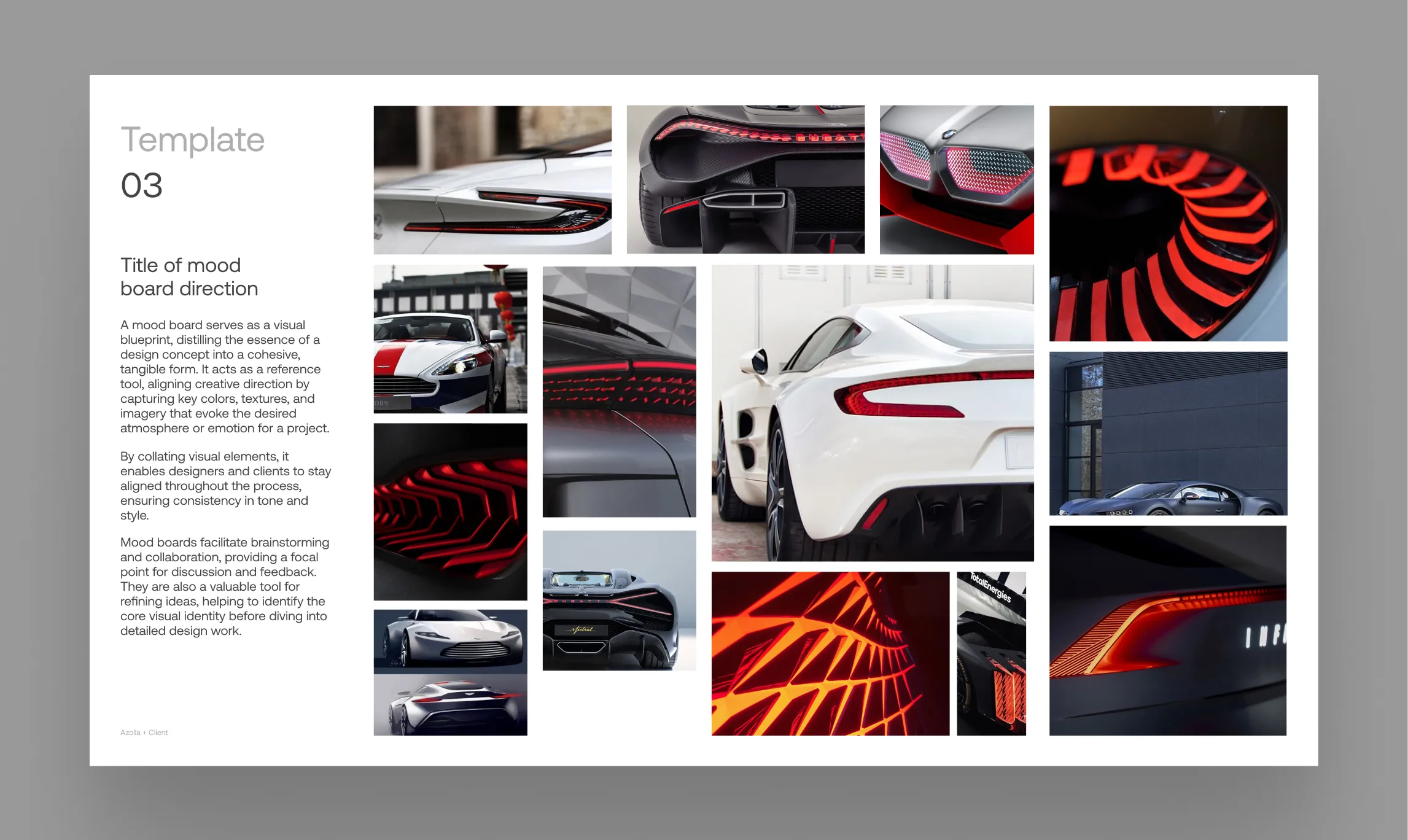
The Insanely Fast Moodboard Workflow for Design Studios
Go from Pinterest inspiration to a client-ready presentation in minutes. This guide unveils a power-user workflow for design agencies & studios using Pinner, FillSwap, and RePic.
Best Pinterest Downloader for Mac and Windows in 2026
Reviewing the top tools for getting images off Pinterest and onto your computer—and why the best downloader might not be a downloader at all.