The Hidden Cost of Free Pinterest Downloader Chrome Extensions
Why professional designers and agencies are banning "free" Pinterest scraper extensions due to privacy and security risks.
 * Pins displayed on this website are sourced directly from Pinterest and are the property of their respective owners or creators.
Published: December 7, 2025
If you’ve ever needed to get a batch of images out of Pinterest, you’ve likely Googled “Free Pinterest Downloader Chrome Extension.” Within seconds, you’re presented with a dozen options promising to quickly scrape your boards into a neat .zip file for zero dollars or free trial.
It sounds like a perfect, frictionless solution. But in the world of browser extensions, “free” rarely means there isn’t a cost. For professional designers, freelancers, and agencies, that cost usually comes in the form of massive privacy and security vulnerabilities—not just to your clients, but especially to yourself and every single website you visit.
How Free Scrapers Actually Work (And Why It’s Dangerous)
To understand the risk, you have to understand the architecture. Most free Pinterest downloaders are built as “screen scrapers.” They do not connect to Pinterest’s official infrastructure. Instead, they require you to open a Pinterest tab and manually scroll down the page while the extension aggressively reads the HTML code being rendered in your browser.
Because of this architecture, these extensions almost universally request the following permission upon installation:
“Read and change all your data on all websites”
Let that sink in. To save a few moodboard images, you are granting a random, often unverified third-party developer the technical ability to read the contents of every tab you have open. This includes your online banking, your private email inbox, your company’s internal Jira tickets, and your confidential Figma files.
The “Bait and Switch” in the Age of AI
In the age of AI, the barrier to entry for malicious actors has dropped to near zero. It is now trivial to rapidly reverse-engineer, clone, or exploit codebase vulnerabilities. This makes managing your security risk profile on the web more critical than ever.
Even if a free extension is created by an honest developer today, the Chrome Web Store is notorious for the “bait and switch” lifecycle. A well-intentioned developer might build a tool simply for downloading from Pinterest, but to do so, they request broad permissions. They think it’s harmless, but they’ve inadvertently opened up a giant liability for all of their users’ web traffic.
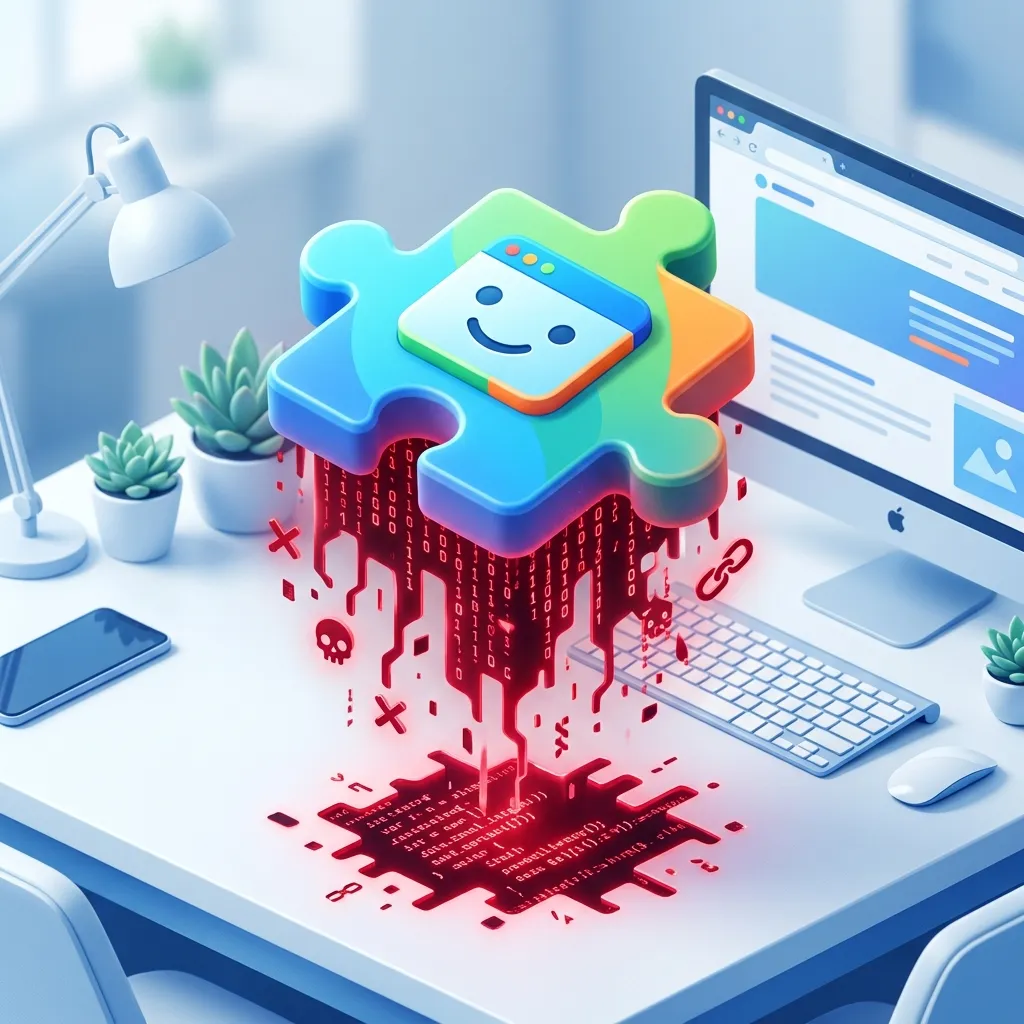
Eventually, a shady data broker offers to buy the extension. The original developer cashes out, and the new owner pushes a silent update to harvest user browsing data, inject affiliate links, or deploy AI-generated malware payloads. Because you already granted the extension broad “read all websites” permissions on day one, the new malicious activity happens entirely in the background.
These extensions simply aren’t worth the risk. This is exactly why many enterprise IT departments have completely banned the installation of unauthorized Chrome extensions on company hardware.
The Professional Standard: Official API Integrations
If scraping extensions are a security risk, how do professional teams move Pinterest data into their design environment? They use authenticated, native API integrations.
Tools like Pinner for Figma operate on a fundamentally different, enterprise-grade architecture:
- No Browser Extensions Required: Pinner runs as a sandboxed plugin directly inside Figma. It cannot see your other browser tabs or monitor your web traffic.
- Official Pinterest API: Rather than scraping screen HTML, Pinner communicates directly and securely with Pinterest’s official API backend.
- Scoped OAuth Authentication: When you connect your Pinterest account to Pinner, you go through an official, secure OAuth flow. You grant Pinner access only to read your Pinterest boards—nothing else. You can revoke this access from your Pinterest settings at any time.
Invest in Your Workflow Security
When a tool is free, you (and your data) are usually the product.
Using a free Chrome extension hack to scrape Pinterest might save you $8 today, but it introduces an unacceptable security vector. You aren’t just risking your client’s moodboards—you are exposing your own personal data, passwords, and browsing habits across every website you visit. It also forces you to use clunky “download and unzip” workflows that waste your valuable design time.
Protect your clients, protect your data, and optimize your workflow. Ditch the free scrapers and use a native, API-driven solution like Pinner.