Why Sync is a Must-Have for Remote Design Teams
In a remote-first world, the old ways of collaborating break down. Discover how a live-syncing workflow can eliminate friction and keep your design team perfectly aligned.
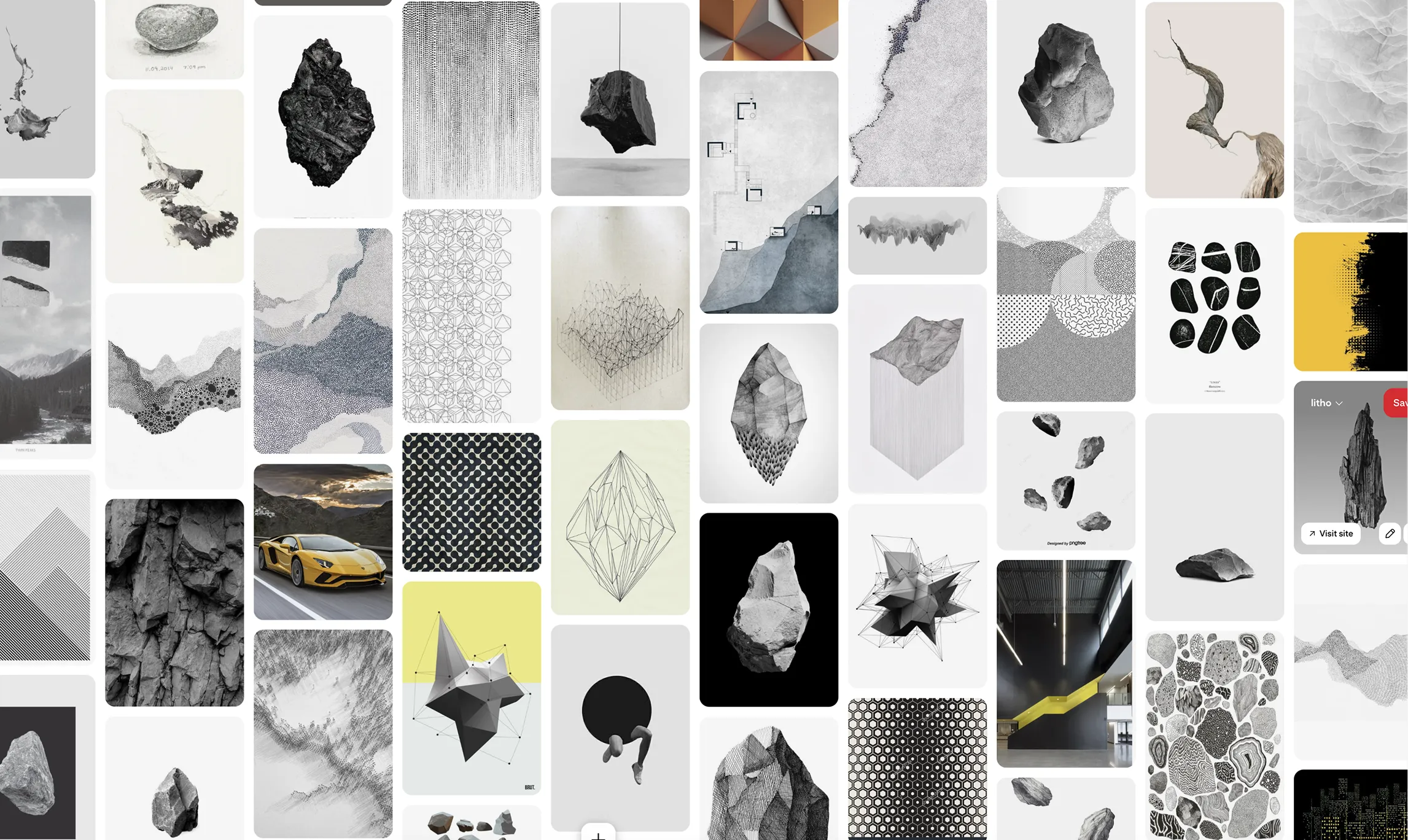 * Pins displayed on this website are sourced directly from Pinterest and are the property of their respective owners or creators.
Remote work has revolutionized the design industry, but it’s also exposed the fragility of old workflows. When your team is spread across different cities and time zones, the simple question “Do I have the latest version?” can bring a project to a grinding halt.
The key to eliminating this friction is establishing a single source of truth for every asset in your project. This guide covers the foundational tools for file syncing and introduces a specialized workflow for the most chaotic part of any project: the inspiration phase.
The Foundation: Keeping Your Project Files in Lock-Step
Before you can even think about creative assets, your core project files need to be perfectly synchronized. This is non-negotiable for a remote team. Without it, you risk overwriting work, creating conflicting versions, and wasting hours trying to reconcile changes.
Modern tools have solved this problem beautifully. Services like Dropbox and self‑hosted solutions such as Synology Drive are essential for keeping every team member perfectly in sync. They maintain all key project files—from briefs to design exports—in a consistent, organized state across devices, reducing confusion and version drift. For collaborative writing, tools like Google Docs excel at real‑time editing, while structured sync platforms provide the clarity and reliable organization that remote teams depend on.
Crucially, these platforms also provide robust version control. If a file gets corrupted or an unwanted change is made, you can simply roll back to a previous version, providing a critical safety net for your team’s work.
Bringing a Modern Workflow to Creative Inspiration
While Dropbox is perfect for your Illustrator files and Word documents, there’s one area where this workflow could be optimized: the messy, fast-moving world of visual inspiration.
Moodboards and visual research aren’t a single file; it’s a living collection of dozens, sometimes hundreds, of images from the web. The traditional pinning of inpsiration to gator board in war rooms felt real and tangible, however, it doesn’t work with remote teams. Saving these images to a shared folder is slow, manual, and completely disconnected from your design tool. And more importantly, “single source of truth” is lost.
The Solution: A Dedicated Sync for Inspiration
Just as you use a dedicated tool for file sync, you need a dedicated tool for inspiration sync. This is where Pinner comes in. It extends the philosophy of a single source of truth to your creative workflow by making Pinterest the definitive hub for inspiration.
When your Pinterest board is the hub and Pinner creates a live link to it in Figma, the entire team is always on the same page. A designer in Los Angeles can add pins, and the art director in London will see a notification that new images are ready to be pulled in. The context is never lost, and the Figma file always reflects the latest creative strategy.
The Complete Remote Workflow
For a truly seamless remote operation, your team needs a holistic sync strategy. Use a robust file-syncing service like Dropbox for your core project files, and a specialized tool like Pinner to keep your creative inspiration in perfect harmony with your design files. By eliminating these points of failure, you free up your team to do what they do best: create, no matter where they are in the world.