Your Pinterest Boards, Perfectly Synced in Figma.
The magical Pinterest integration you always wished you had. Pinner imports and syncs your inspiration directly into your workspace with a single click.
Trusted by designers at top studios.
A Workflow, Not Just a Utility
Pinner is packed with professional-grade features designed to save you time and keep you in your flow.
One-Click Imports
Stop the tedious "save-as" and drag-and-drop. Browse your boards directly inside Figma and import an entire collection of hundreds of pins in seconds.
Highest‑Res Images
Pinner automatically pulls the highest resolution version of every pin — no blurry downloads or compression, just full‑quality images ready for your designs.
Import Settings
Customize pin size, corner radius, and fill properties before import — cutting out a few extra steps from your workflow.
Import Private Boards
Your client work should stay confidential. Pinner uses a secure, official API connection to give you access to all your boards, not just the public ones.
Re-Sync Your Boards
Your moodboards are living documents. When you add or remove pins on Pinterest, a single click updates your board in Figma. No more re-importing everything.
Auto Layout Integration
Imports are organized into a clean, performant Auto Layout frame. This keeps your Figma file tidy and prevents performance issues, even with huge boards.
Create Color Palettes
Generate a color palette based on the dominant colors from your imported pins. It's the perfect starting point for your design system's color styles.
Multi‑Instance
Import multiple boards — or the same board with different settings. Each instance stays perfectly in sync.
Slides & FigJam Support
Pinner works across all your favorite Figma tools — including FigJam and Figma Slides — moving your inspiration wherever you design.
Secure
A workflow doesn’t have to be a hack. Pinner gives you a direct, encrypted connection to Pinterest — no browser extensions, no screen scraping, or shortcuts that compromise your security.
Built by Designers, for Designers
Pinner wasn't built in a vacuum. It was created by Azolla Studio pursuing an optimize workflow, eliminating the manually grind of moving inspiration into our design files.
We understand the value of staying in a state of flow. Every feature in Pinner, from the secure API connection to the one-click sync, is designed to keep you focused on what you do best—designing.
Upgrade Your Workflow
Run Pinner directly from the Figma Community to test it out. All premium features available to try—no payment needed.
Ready to buy? It's a one-time $8 purchase for lifetime access.
Featured Guides
Level up your design workflow with these deep dives and pro-tips.
A Modern Workflow: The Best Way to Use Pinterest Boards in Figma
For designers, Pinterest is where ideas begin. Figma is where they take shape. This guide covers the common manual process and introduces a faster, more integrated workflow.
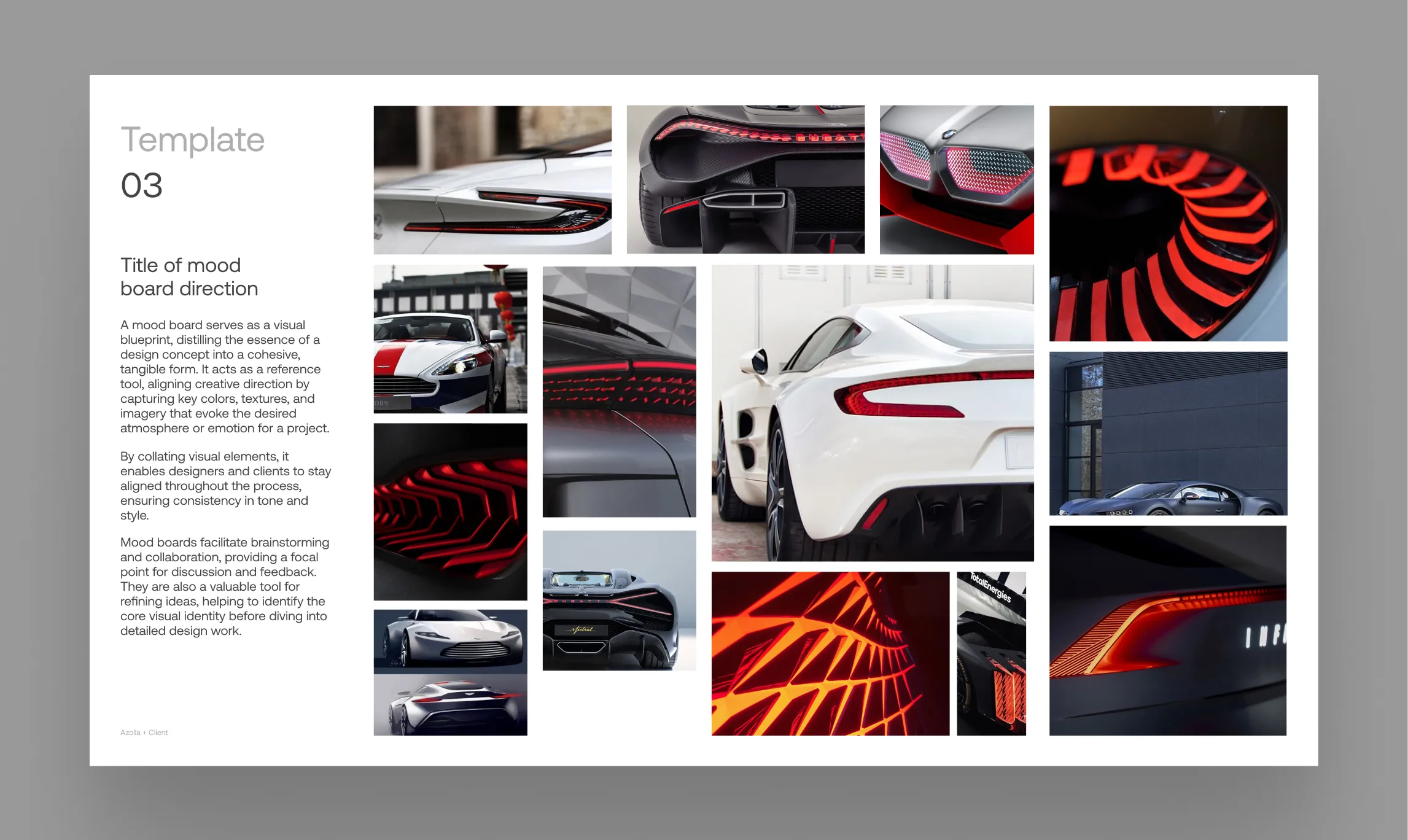
The Insanely Fast Moodboard Workflow for Design Studios
Go from Pinterest inspiration to a client-ready presentation in minutes. This guide unveils a power-user workflow for design agencies & studios using Pinner, FillSwap, and RePic.
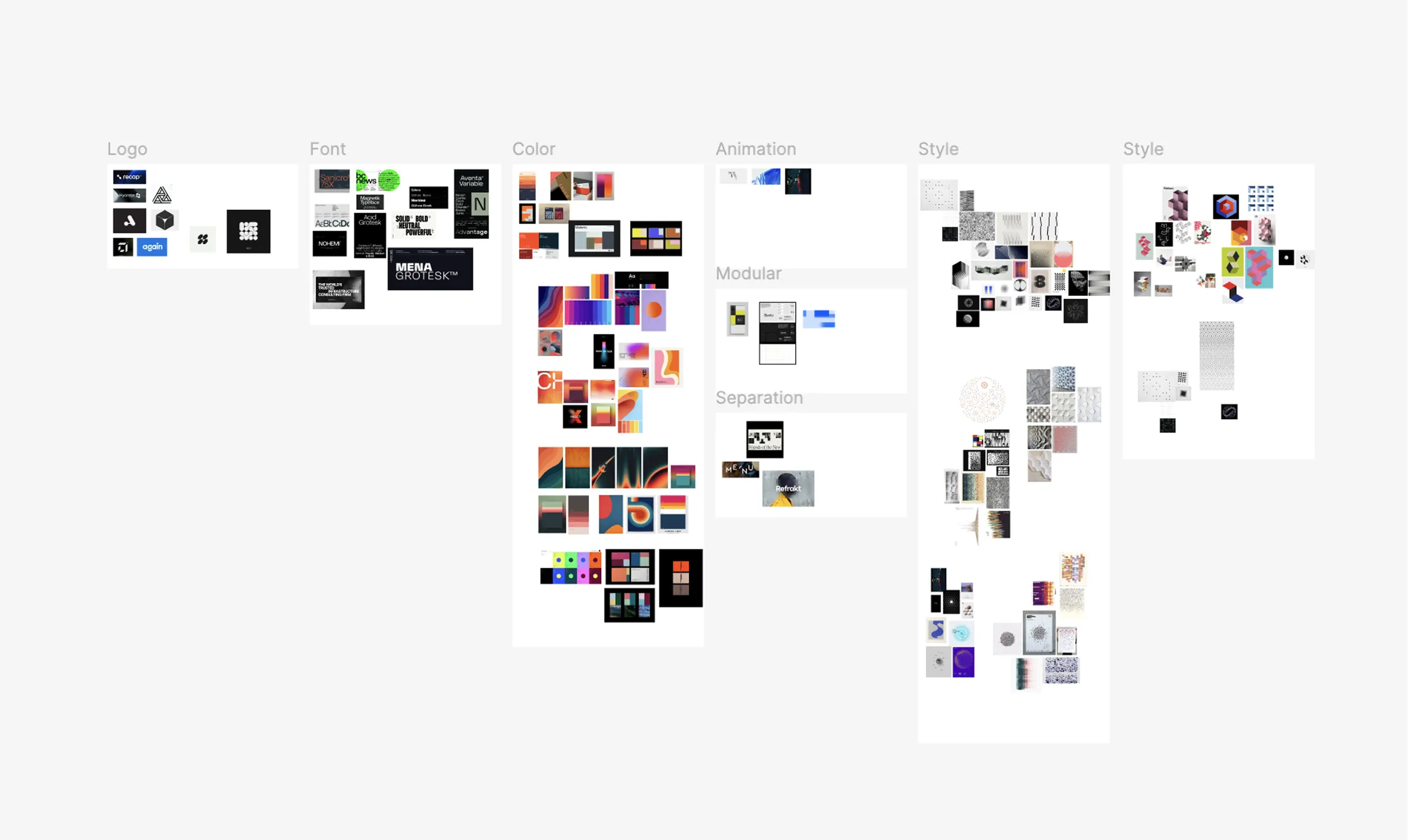
Refine Brand Identity System Research with Pinner
Elevate your workflow by using Pinner as a live link to your brand identity research — from logo to color, typography, and environmental design.